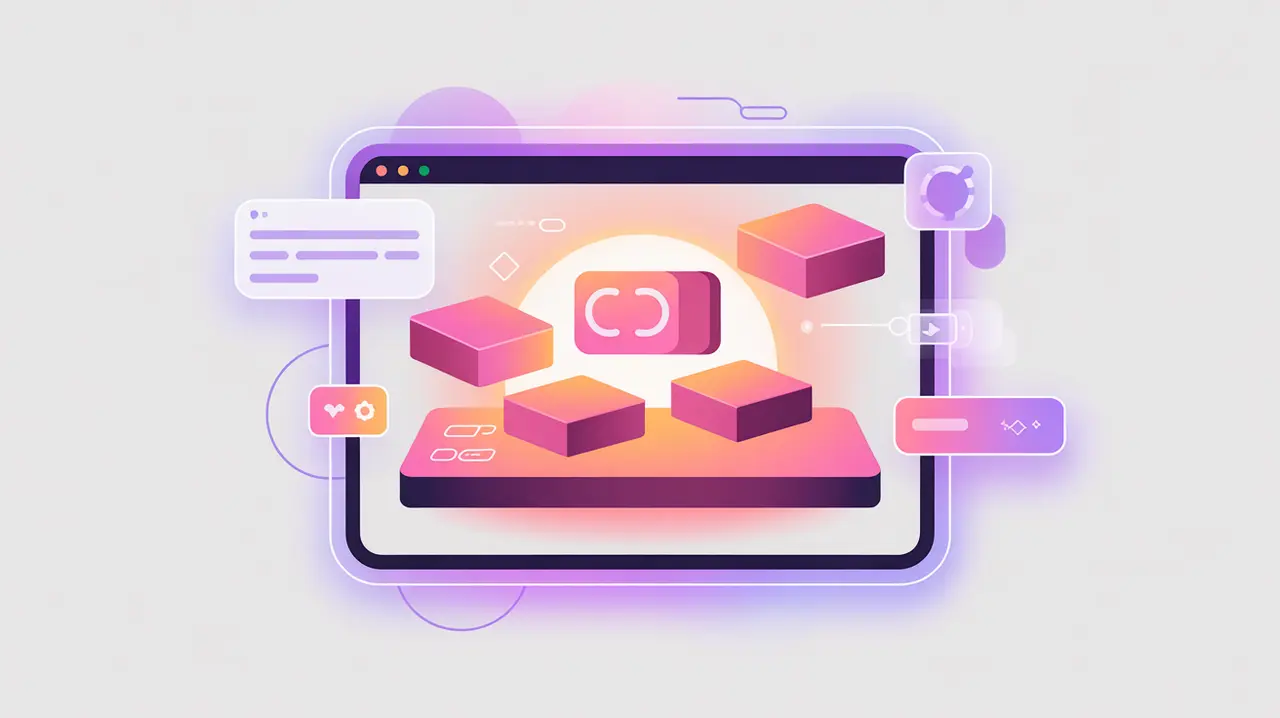
Importance of Low Code and No Code
Low Code and No Code platforms enable users to build applications, workflows, and digital tools with minimal programming knowledge. Low code platforms provide visual interfaces with some coding flexibility, while no code platforms remove coding entirely, relying on drag-and-drop components and prebuilt templates. Their importance today lies in democratizing software development, making it possible for non-technical users to create solutions quickly and affordably.
For social innovation and international development, these platforms matter because many mission-driven organizations lack in-house developers or large IT budgets. Low code and no code tools empower staff and volunteers to design applications that address immediate community needs, from data collection to service delivery.
Definition and Key Features
Low code platforms like OutSystems or Mendix allow developers to accelerate work by combining visual modeling with optional code. No code platforms like Airtable, Bubble, or Glide focus entirely on visual design and integrations. Both categories emphasize speed, flexibility, and reduced reliance on traditional software engineering.
They are not the same as traditional software development, which requires significant technical expertise. Nor are they equivalent to prepackaged SaaS tools, which provide fixed features without customization. Low code and no code platforms provide a middle ground, enabling tailored solutions without deep technical resources.
How this Works in Practice
In practice, these platforms are used to create apps for data management, reporting dashboards, and automated workflows. They often integrate with external services through APIs, extending functionality without custom coding. For example, a nonprofit can build a donor management app using a no code tool, or a health NGO can use a low code platform to create a secure patient reporting system. These tools reduce development cycles from months to days.
Challenges include limited flexibility for highly specialized needs, vendor lock-in, and potential scalability issues as applications grow. Governance is also important, since “citizen developers” may create tools without sufficient attention to security, privacy, or interoperability.
Implications for Social Innovators
Low code and no code platforms give mission-driven organizations the power to innovate quickly. Health workers can design mobile data collection tools without hiring developers. Educators can create digital learning apps tailored to their classrooms. Humanitarian agencies can launch rapid crisis-response dashboards using visual builders. Civil society groups can prototype advocacy platforms or manage volunteers through no code workflows.
By lowering the barriers to development, low code and no code platforms enable organizations to respond faster, adapt to local contexts, and maximize impact with limited resources.