Importance of Copilot Interfaces
Copilot Interfaces are AI-driven tools designed to work alongside humans, augmenting their tasks by offering real-time suggestions, automation, or contextual insights. Unlike general-purpose assistants, copilots are embedded directly into workflows, helping users write, code, design, analyze, or make decisions faster and with greater accuracy. Their importance today lies in shifting AI from standalone applications to collaborative interfaces that enhance productivity in specialized domains.
For social innovation and international development, copilot interfaces matter because they give mission-driven organizations the ability to amplify limited human capacity. By embedding AI into daily tools, these interfaces support staff and volunteers in scaling services across health, education, and humanitarian response.
Definition and Key Features
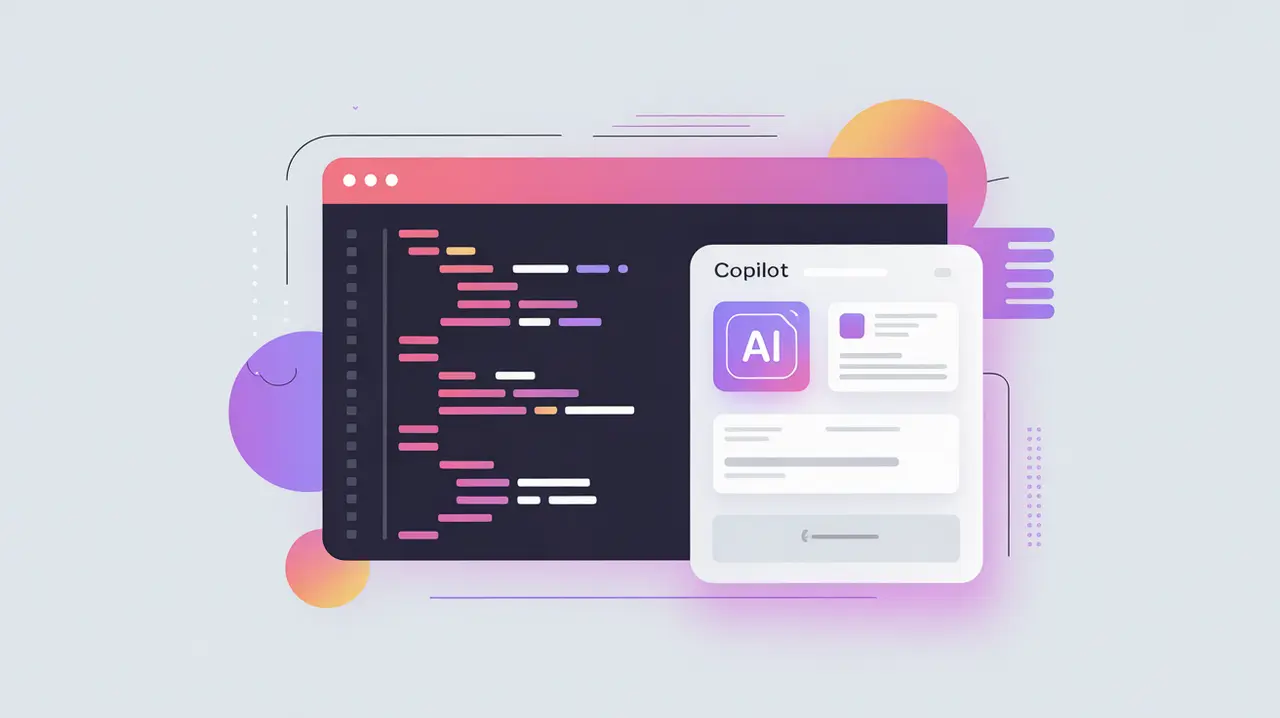
Copilot interfaces operate by integrating AI models into applications where work is being done, such as code editors (GitHub Copilot), document processors, or customer service dashboards. They provide contextual support by analyzing current inputs and predicting next steps. Unlike chatbots, which often exist as separate channels, copilots are tightly coupled with the workflow itself.
They are not the same as automation platforms, which execute preprogrammed rules. Nor are they equivalent to general AI assistants, which handle broad tasks across many domains. Copilot interfaces focus on augmenting human effort in a specific task environment.
How this Works in Practice
In practice, copilot interfaces can draft reports, suggest code snippets, summarize documents, or recommend actions based on context. They improve efficiency by reducing repetitive work and surfacing relevant insights. Human oversight remains critical, as copilots are designed to assist rather than replace decision-making. Integration with APIs, databases, and collaboration tools further enhances their usefulness.
Challenges include the risk of over-reliance, potential inaccuracies (AI hallucinations), and issues of data privacy when copilots access sensitive content. Building trust requires transparency, clear user control, and governance frameworks that define responsibility for outputs.
Implications for Social Innovators
Copilot interfaces open new possibilities for mission-driven organizations. Health professionals can use copilots to draft clinical notes or suggest diagnostic pathways. Educators can receive automated lesson plans or student feedback summaries. Humanitarian agencies can use copilots to generate crisis reports, analyze satellite data, or prepare funding proposals under tight deadlines. Civil society groups can enhance advocacy campaigns by drafting communications, analyzing datasets, or coordinating volunteers.
By embedding AI directly into workflows, copilot interfaces allow organizations to work smarter, faster, and more inclusively, ensuring limited resources go further in service of their mission.