Importance of Workflow Automation Platforms
Workflow Automation Platforms are tools that allow organizations to connect applications, automate repetitive tasks, and streamline business processes without requiring extensive custom coding. They provide visual interfaces, triggers, and actions that let users define how data moves and tasks execute across systems. Their importance today lies in enabling efficiency, consistency, and scalability in digital operations at a time when organizations manage dozens of disconnected tools.
For social innovation and international development, workflow automation platforms matter because they help mission-driven organizations stretch limited resources. By automating routine work, staff can focus more energy on delivering impact in health, education, humanitarian aid, and civil society.
Definition and Key Features
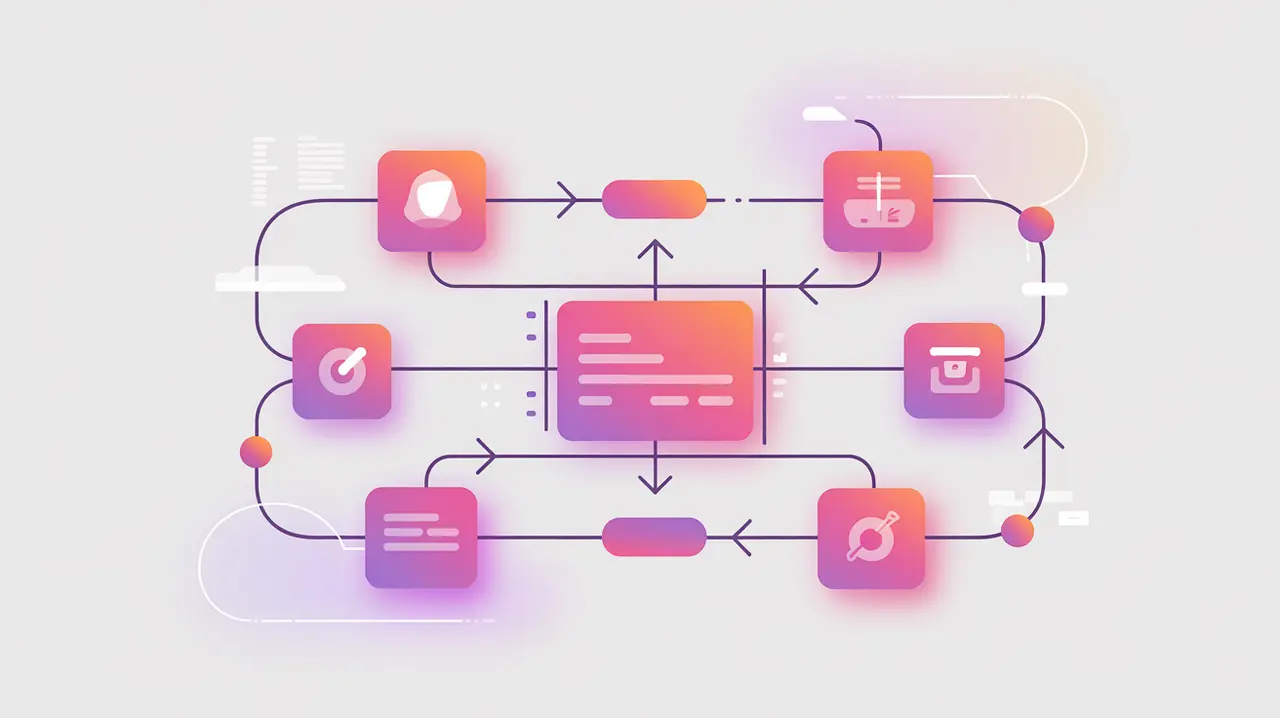
Popular platforms include Zapier, Make (formerly Integromat), and n8n, which provide prebuilt connectors to thousands of applications. They work by detecting triggers like a new form submission or email received, and executing actions like updating a database, sending a message, or generating a report. Automation can range from simple notifications to complex multi-step workflows that replace manual processes.
These are not the same as standalone applications, which perform fixed functions. Nor are they equivalent to enterprise resource planning (ERP) systems, which integrate processes but require heavy investment. Workflow automation platforms sit in between, offering flexible, modular connections that users can design themselves.
How this Works in Practice
In practice, organizations use workflow automation platforms to connect CRMs, survey tools, payment processors, and communication systems. For example, a nonprofit can automate donation tracking by linking payment gateways to email platforms and financial records. A health NGO might connect field survey apps to dashboards that update in real time. Advanced platforms allow for branching logic, error handling, and integration with AI services for smarter automation.
Challenges include over-reliance on third-party platforms, which may introduce costs, data privacy risks, or downtime. Complex automations also require careful design to avoid unintended consequences. Governance, documentation, and periodic review are essential for sustainable use.
Implications for Social Innovators
Workflow automation platforms directly strengthen mission-driven organizations. Health programs can automate patient reminders and streamline reporting. Education initiatives can integrate student data across learning systems and communication channels. Humanitarian agencies can build crisis-response automations that connect field data collection with coordination dashboards. Civil society groups can automate outreach, membership management, and advocacy reporting.
By turning fragmented processes into connected systems, workflow automation platforms enable organizations to operate more efficiently, scale their efforts, and dedicate resources to where they matter most.